Release date:

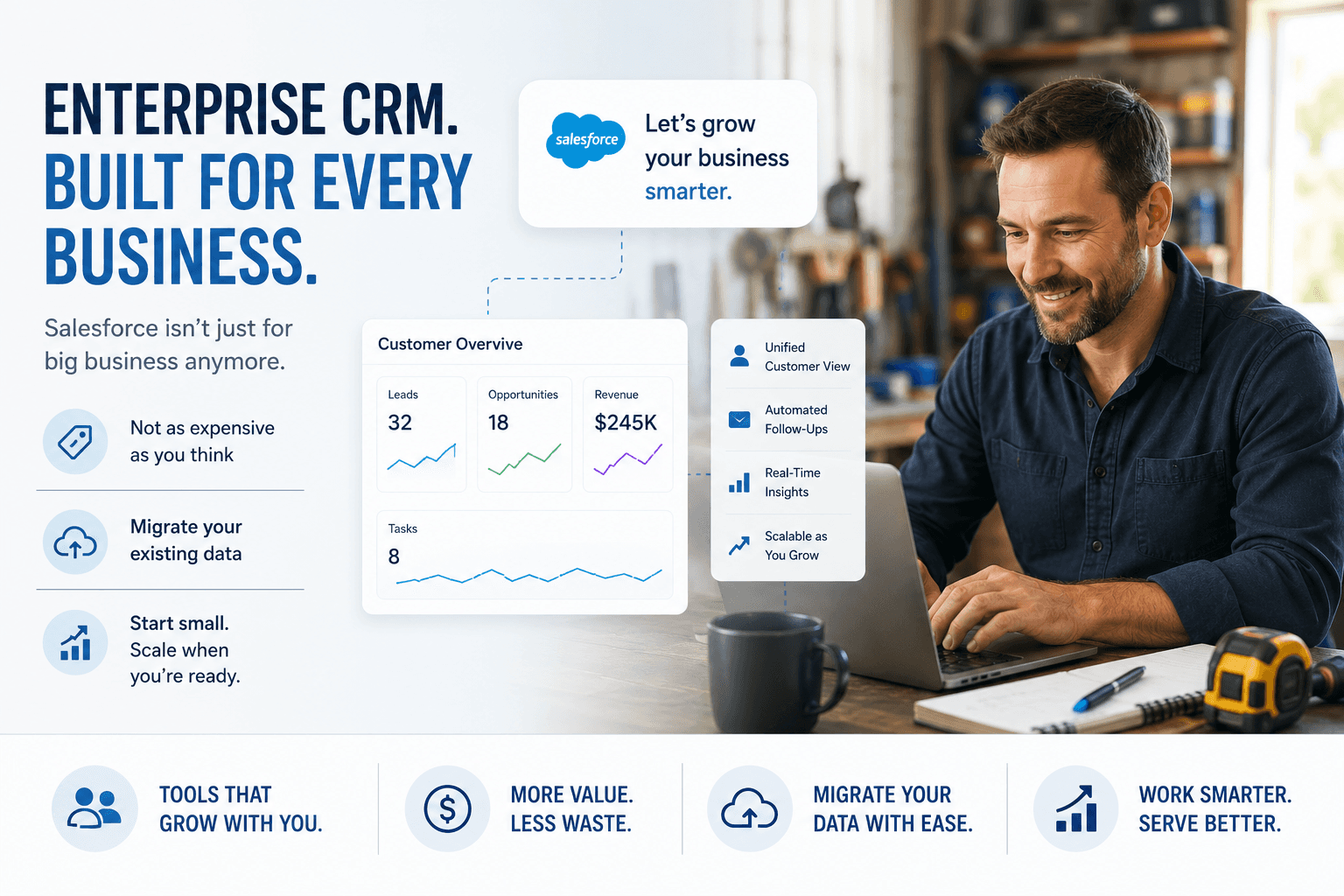

When most Sunshine Coast business owners hear "Salesforce," they picture multinational corporations with hundreds of staff and IT departments to match. It feels like something designed for companies with deep pockets and complex operations - not tradies in Maroochydore, a health clinic in Noosa, or a growing retail brand in Caloundra.
That assumption is worth challenging.
Salesforce has spent the last several years aggressively expanding its small business offering, and today it's one of the most accessible and scalable CRM platforms on the market — at any business size. The question isn't whether Salesforce can work for a business like yours. It's whether the timing and investment make sense for where you're at right now.
This guide is written specifically for Sunshine Coast SMBs. We'll walk through what Salesforce actually does, what it costs at each stage of business growth, the real benefits, how long implementation takes, and how to migrate from whatever you're currently using.
What Is Salesforce and Why Does It Matter for SMBs?
Salesforce is a cloud-based Customer Relationship Management (CRM) platform. In plain terms, it's the central hub where your customer data lives — leads, contacts, deals, emails, quotes, support tickets, and sales pipelines — all in one place, accessible by your whole team from any device.
For small businesses still running on spreadsheets, a mix of disconnected apps, or an outdated system that nobody quite trusts anymore, Salesforce brings everything into one source of truth.
But it goes beyond just storing contacts. Salesforce lets you:
Automatically follow up with leads at the right time
See exactly where every deal sits in your pipeline
Understand which marketing efforts are actually bringing in customers
Manage customer support without things falling through the cracks
Generate quotes, reports, and forecasts without manual number-crunching
Connect with the tools you already use — Xero, Outlook, Gmail, Mailchimp, and more
For a Sunshine Coast business trying to grow without proportionally growing its headcount, that's a meaningful shift in how you operate.
The Big Myth: Salesforce Is Only for Enterprise
This myth comes from Salesforce's history. It started as an enterprise tool, and for years the pricing and complexity reflected that. But the platform has evolved significantly.
Salesforce now offers Starter Suite — a product built specifically for small businesses that combines sales, service, and marketing in a single, straightforward package starting at just a few hundred dollars per month for a small team.
The other thing worth noting is that a poorly configured enterprise system is worse than a well-configured small business one. Many large businesses waste enormous sums on Salesforce because they implement too much, too fast, without a clear strategy. For a Sunshine Coast SMB, the advantage is that you can start lean, configure it for exactly how your business works, and scale it as you grow — without paying for features you'll never use.
Salesforce Pricing: A Breakdown by Business Size
Pricing is the first question most SMB owners ask, and rightly so. Here's a transparent breakdown of what you can expect to invest at each stage.
All prices are in AUD and based on current Salesforce list pricing. Implementation and configuration costs are separate and covered further below.
Solo Operator or Micro Business (1–4 staff)
Recommended product: Salesforce Starter Suite Licence cost: Approximately $35–$50 per user per month Total monthly licence cost: $35–$200/month depending on team size
At this level, you're primarily getting contact management, a basic sales pipeline, email integration, and simple automation. For a sole trader or small team juggling everything manually, this alone can save hours each week.
Typical implementation investment: $3,000–$8,000 (one-off) This covers basic configuration, data migration from spreadsheets or a simple CRM, and enough training to get your team confident.
Timeline to go live: 4–6 weeks
Small Business (5–20 staff)
Recommended product: Salesforce Pro Suite or Sales Cloud (Essentials tier) Licence cost: Approximately $100–$165 per user per month Total monthly licence cost: $500–$3,300/month depending on team size and features
At this level you unlock more powerful automation, better reporting, pipeline forecasting, and the ability to connect third-party tools like Xero for accounting or your email marketing platform. This is where Salesforce starts delivering compounding value — each part of the system feeds the next.
Medium Business (20–100 staff)
Recommended product: Sales Cloud Professional or Enterprise Licence cost: Approximately $165–$330 per user per month Total monthly licence cost: $3,300–$33,000/month depending on configuration
At this scale you're looking at a fully customised Salesforce environment — custom objects, advanced workflow automation, dashboards for different teams, role-based access, and potentially Marketing Cloud or Service Cloud add-ons depending on your business type.
Ongoing Costs to Factor In
Beyond licences and implementation, budget for:
Platform subscriptions and add-ons: $0–$500/month depending on integrations
Ongoing support and optimisation: $500–$2,000/month if you want a partner managing and evolving the system
Annual licence renewals: Salesforce licences are typically billed annually, so factor that into cash flow planning
The Real Benefits for Sunshine Coast SMBs
Let's move past the feature list and talk about what this actually means for a business like yours.
You Stop Losing Leads
For most small businesses, the sales process lives in someone's head or inbox. A potential customer enquires, things get busy, the follow-up slips, and the lead goes cold. Salesforce eliminates this entirely. Every lead is captured, assigned, and automatically followed up — without relying on memory or good intentions.
Your Team Is on the Same Page
When customer information lives in spreadsheets, email threads, and people's phones, communication breaks down. Salesforce gives every team member — whether they're in the office, on site, or working from home on the Coast — access to the same up-to-date customer picture. No more "I thought you handled that" conversations.
You Can See What's Actually Working
Most small businesses make marketing and sales decisions based on gut feel. Salesforce gives you real data — which lead sources convert, which deals stall, how long your average sales cycle is, what your pipeline looks like for next quarter. That visibility changes how you make decisions.
You Scale Without Chaos
A common Sunshine Coast business story: the business grows, the team grows, and suddenly the informal systems that worked with three people are breaking down with ten. Salesforce is built to scale with you. The processes you configure today handle ten times the volume tomorrow without needing to be rebuilt.
Customer Experience Becomes a Competitive Advantage
On the Sunshine Coast, reputation is everything. Referrals drive significant business across nearly every industry — trades, health, professional services, hospitality. Salesforce helps you deliver a consistently professional, responsive customer experience that generates word-of-mouth and repeat business.
You Reduce Admin Time Significantly
Automated follow-up emails, auto-populated quotes, scheduled reminders, report generation — tasks that eat hours each week get handled automatically. Your team focuses on the work that actually requires human judgement.
How Long Does Implementation Actually Take?
This is where expectations often drift from reality, so let's be direct.
Week 1–2: Discovery and Strategy This is where a good implementation partner — like Proteuss — maps how your business actually works. What does your sales process look like? Where do leads come from? What does your current data look like and where does it live? What are the must-have features on day one versus what can come later? Getting this right is the single biggest factor in whether your Salesforce implementation succeeds.
Week 2–4: Data and Planning Your existing data gets cleaned, structured, and prepared for migration. This phase often surfaces issues — duplicate contacts, incomplete records, data in formats that need standardising. It's unsexy but critical. Skipping it creates problems you'll be fixing for months.
Week 4–8: Build and Configuration Salesforce is configured to match your actual business processes, not the generic template. Automations are built, integrations are connected, custom fields and layouts are set up, and the system is tested against real scenarios from your business.
Week 8–10: Training and Go-Live Your team learns the system in the context of their actual roles — not generic Salesforce training. A phased go-live approach is usually recommended, starting with one team or one process and expanding from there.
Week 10 onwards: Optimisation No implementation is perfect on day one. The first 60–90 days after go-live are when you identify what's working, what needs adjustment, and what you want to build next. This ongoing optimisation phase is where a lot of the long-term value gets unlocked.
For a small Sunshine Coast business, a realistic end-to-end timeline from first conversation to confident daily use is 10–14 weeks.
Migrating From Your Current System
This is the part that makes most business owners nervous — and understandably so. Moving your business data and changing how your team works is not a small thing. Here's what the migration process actually looks like.
From Spreadsheets
This is the most common starting point for Sunshine Coast SMBs and, in many ways, the most straightforward migration. Spreadsheets export cleanly to CSV, which imports directly into Salesforce. The main work is standardising the data — consistent naming conventions, removing duplicates, deciding what's worth migrating versus what can be left behind. A clean spreadsheet migration for a small business typically takes one to two weeks.
From a Basic CRM (e.g. HubSpot Free, Zoho, Pipedrive, Capsule)
Most established CRMs have built-in export functionality, and Salesforce has import tools designed for common migration paths. The data migration itself is relatively straightforward — contacts, companies, deals, and notes all map cleanly. The bigger consideration is process redesign: rather than simply replicating what you had in your old system, a Salesforce implementation is an opportunity to rethink and improve your workflows from the ground up.
From Industry-Specific Software
Many Sunshine Coast businesses in trades, health, real estate, or hospitality use industry-specific platforms — ServiceM8, Cliniko, Console, Deputy, and others. These often require a more considered integration strategy. In some cases, Salesforce sits alongside the industry tool and handles the CRM and sales functions, with the two systems connected via API. In other cases, Salesforce replaces the non-core functions entirely. A good implementation partner will map this clearly before any work begins.
From Paper-Based or Informal Systems
Yes, this still happens — and there's no judgment here. For businesses making this leap, the migration is less about data transfer and more about building the digital foundation from scratch. This actually gives you an advantage: you're not locked into someone else's legacy decisions about how the data was structured.
What Makes a Migration Go Smoothly
The businesses that struggle with migrations typically share a few common traits: they underestimate the state of their current data, they try to migrate everything at once, and they don't invest in staff training until after go-live. The businesses that get it right treat the migration as a project in its own right — with clear ownership, realistic timelines, and proper communication to the team about what's changing and why.
Is Salesforce Right for Your Sunshine Coast Business Right Now?
Salesforce is not the right answer for every business at every stage. Here's a simple way to think about it.
Salesforce is a strong fit if:
You have an active and growing pipeline of leads or customers to manage
You have more than two or three people who need to share customer information
You're losing leads, missing follow-ups, or spending too much time on admin
You're planning to grow your team in the next 12–24 months
You want proper visibility into your sales performance and pipeline
It's worth waiting if:
You're genuinely pre-revenue or in very early stages with minimal customer data
Your biggest constraint right now is product or service delivery, not sales and customer management
You don't yet have clarity on your core sales process — getting that clarity first will make the implementation significantly more valuable